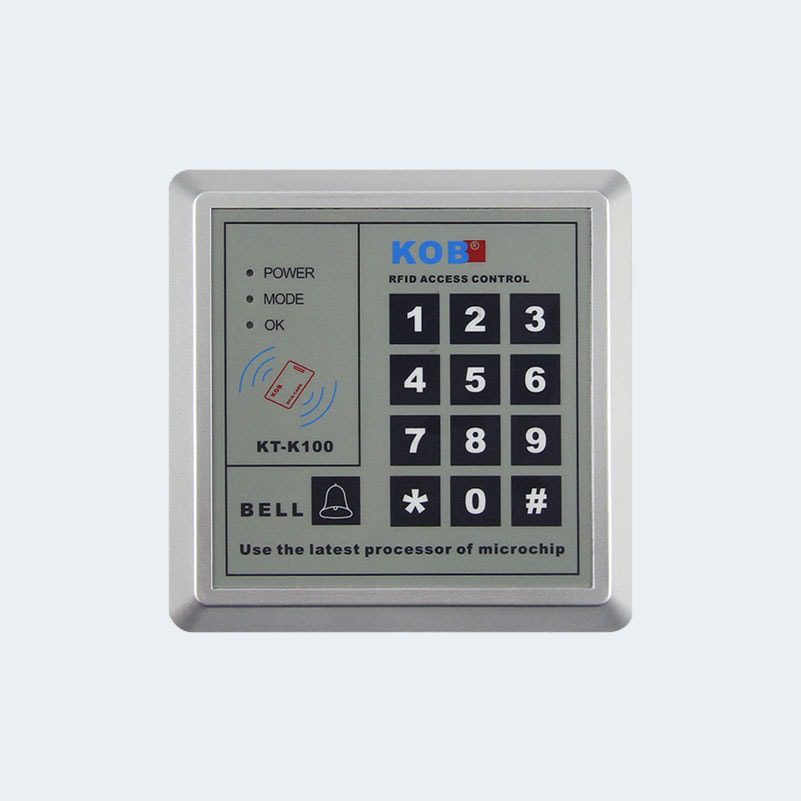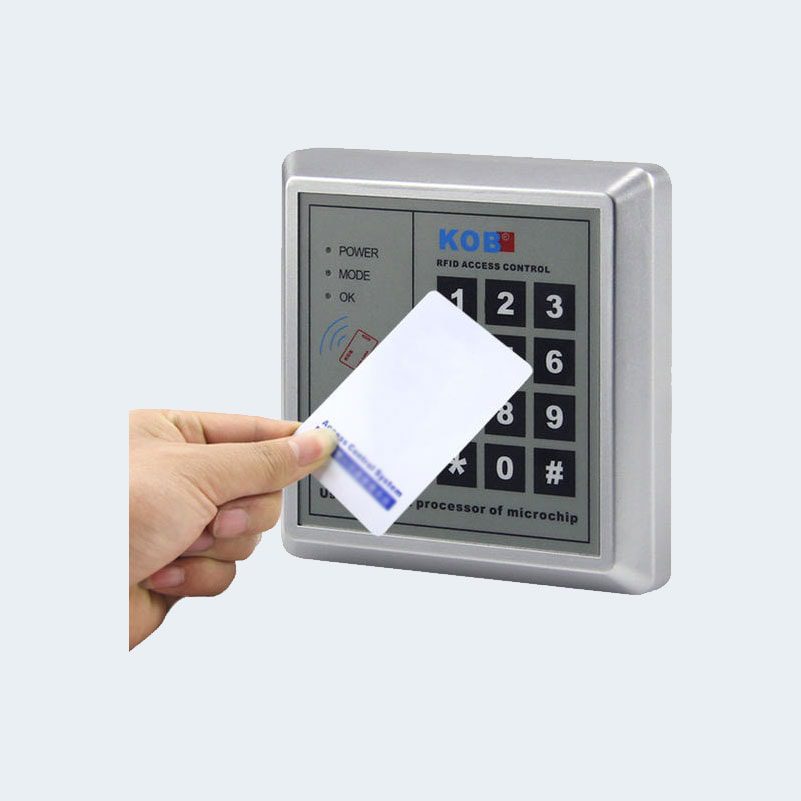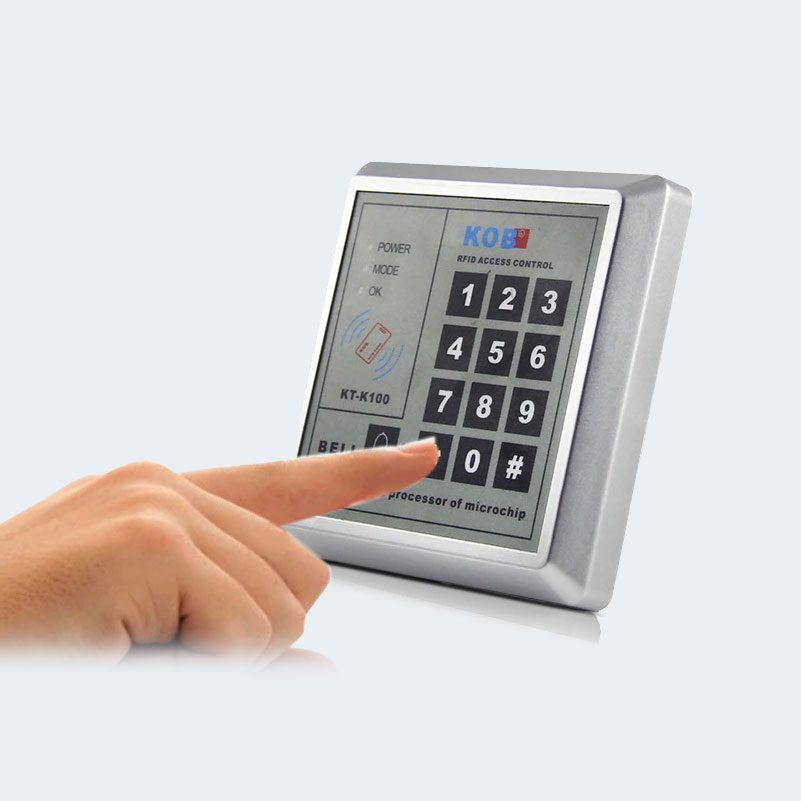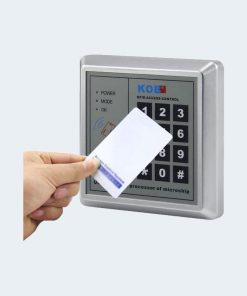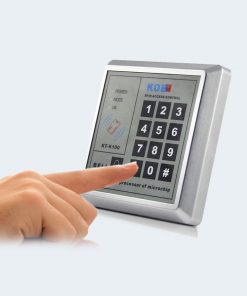
RFID Access Control 125KHz .
to download instructions manual click here
How to program or Add RFID card or medal ?
- Enter programming mode : click ‘*’ + programming-password (1234 is default ) + ‘#’.
- self-numbered card issuing method: operation method: click ‘2’ ‘1’ + # + read card + 3 digits self-numbering code then wait about 10 seconds
or quick add card: operation method: input 2 “ 0 + # + read card
note: you can read multiple cards at the same time to add cards. if you stop in the card for 10 seconds, the program will automatically exit the management state.
How to Delete a Card or Medal ?
- Enter programming mode : click ‘*’ + programming-password (1234 is default ) + ‘#’.
- swipe card deletion method: operation method: enter 3 0 + # + read card
note: this method can read multiple registered cards at the same time for deletion. if you stop in the card for 10 seconds, the program will automatically exit management status.
How to Restore Factory Defaults?
- Enter programming mode : click ‘*’ + programming-password (1234 is default ) + ‘#’.
- restore the factory default to restore the factory default: operation method: enter “7” “0” + “#” note: all parameters are automatically restored to the factory default values after the command is input. (delete all cards, restore all parameters, restore management password: 1234)
How to change Management Password ?
- Enter programming mode : click ‘*’ + programming-password (1234 is default ) + ‘#’.
- to change the administrator password:
enter “6” “0” + “#” + 4-8 digits new administrator password + “#” + repeat 4-8 digits new administrator password + “#”
How to add a password number to open lock or door without RFID Card ?
- Enter programming mode : click ‘*’ + programming-password (1234 is default ) + ‘#’.
- click “ 1 ” “ 1 ” + “ # ” + 4-8 digits to open the door + ‘#’ + wait about 10 seconds
now, any time you can write your password + ‘#’ to open the lock or door.
to delete a single password:
- Enter programming mode : click ‘*’ + programming-password (1234 is default ) + ‘#’.
- Click “3” “5” + “#” + open password + ” # “
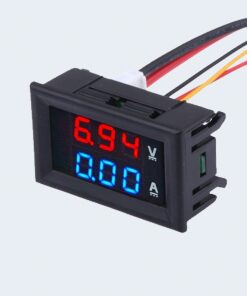
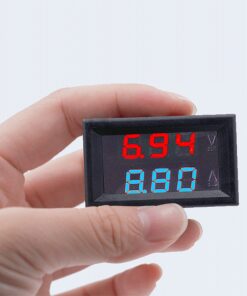
voltmeter and current display
USB to UART cable TTL to USB cable
Microphone Sensor - Sound Detection Module for Arduino
Color Sensor TCS3200D-TCS230
Air quality sensor gas sensor MQ-135
TTL UART to USB Converter
Micro Long nose Plier
3.5 inch touch LCD for Raspberry Pi
LED Traffic light module 5V
Anti-Static Brush
MAX6675 Module + Thermocouple Sensor
IR Receiver HX1838 / VS1838/PC638
LC Meter
Solder Station Hot Air